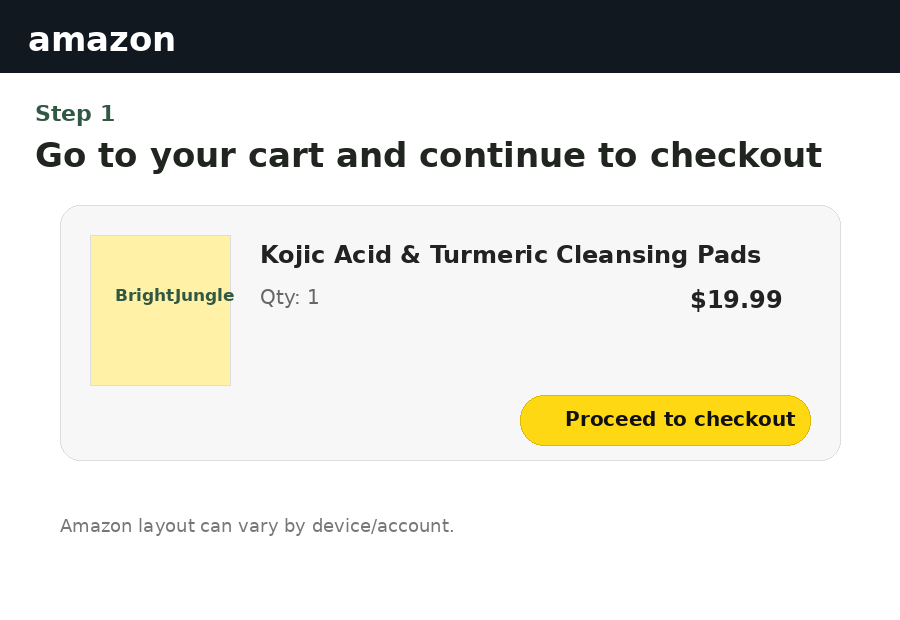
1. Add BrightJungle to your cart
Open the BrightJungle product on Amazon, add it to your cart, then continue to checkout.
Copy SALE20, continue to Amazon, and enter the code during checkout. The discount should appear in your order summary when the promotion is eligible.
Open the BrightJungle product on Amazon, add it to your cart, then continue to checkout.
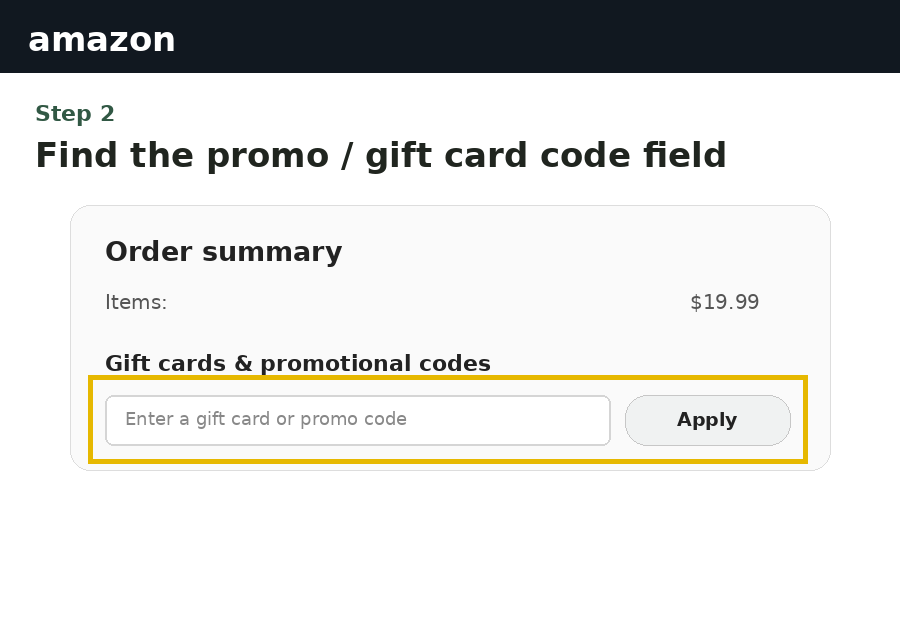
During checkout, look for the gift card or promotional code field. The exact wording and location can vary by device and Amazon account.
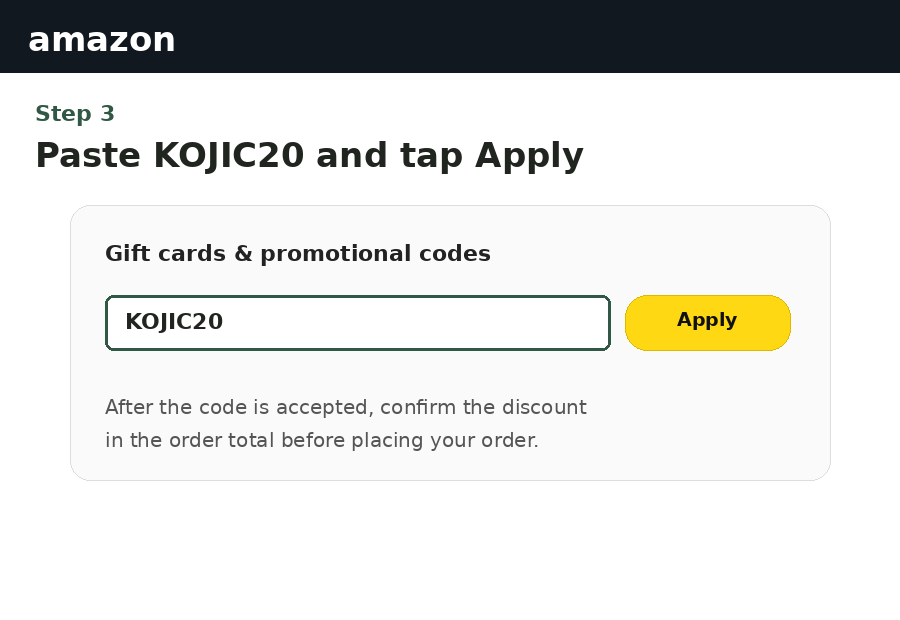
Paste SALE20, tap Apply, and check that the discount is reflected in your order total before placing the order.